
Your Phone During the NFL Playoff Push: Why Live Sports Put Battery, Screen, and Connectivity to the Test
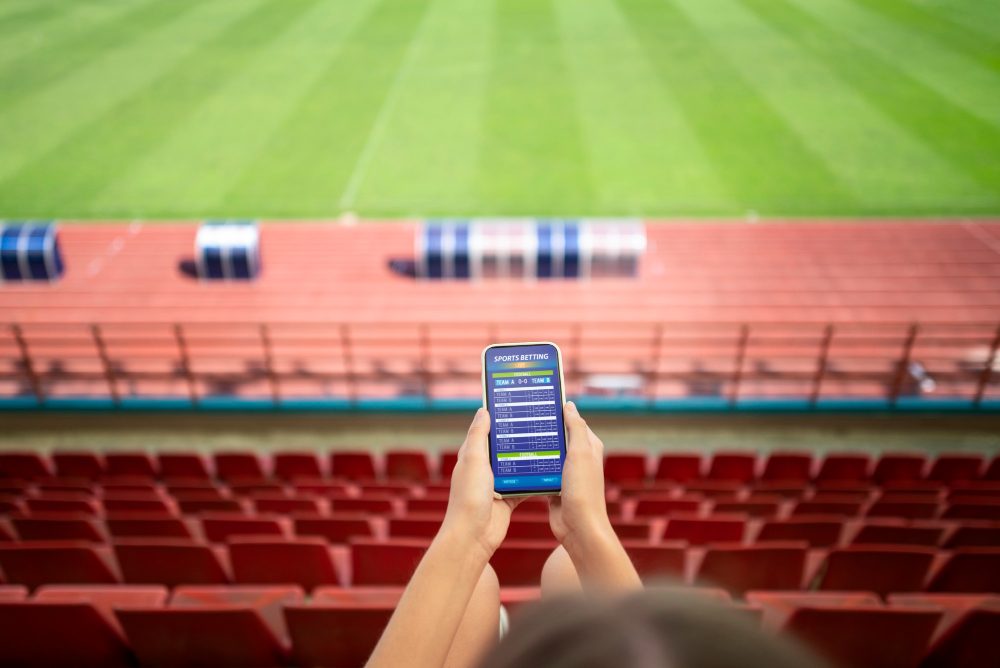
A long football Sunday can quietly become a stress test for your phone. Live scores refresh, group chats stay active, video clips load, and standings pages get checked throughout the day.
That pressure grows as the postseason race tightens. Fans may move between the broadcast, injury updates, NFL standings, and messages while keeping a second screen nearby. The phone becomes part of the viewing setup and needs to stay reliable for hours.
What a Full Football Sunday Asks From Your Phone
Battery Use Builds Gradually
Battery drain during live sports is rarely caused by one app. Screen time, background refresh, notifications, browser tabs, video playback, and cellular activity all draw power. An older battery has less capacity to absorb that combined workload, so a problem that seems minor on a normal day can become obvious by late afternoon.
| Football day activity | What the phone is doing | Likely effect |
| Refreshing scores | Network requests and screen wakeups | Steady battery use |
| Streaming clips | Video processing and data transfer | Higher power draw |
| Group messaging | Notifications and media uploads | Repeated background activity |
| Switching apps | Reloading content and sessions | More processor and memory use |
Screen Quality Affects More Than Appearance
A cracked or dim display may seem manageable during a short check. Repeated use makes the weakness harder to ignore. Small numbers, injury notes, standings, and game updates are easier to misread when brightness is poor, touch response is inconsistent, or part of the panel is damaged.
This matters during the Wild Card race, when several games can affect the same playoff picture. The screen is doing practical work, not merely showing entertainment.
Connectivity Is the Hidden Variable
Slow loading can encourage repeated refreshes, while video and live data place additional demand on the connection. If the signal is poor, the device may also work harder to stay connected. For fans watching away from home, that means network quality can affect both how quickly updates arrive and how long the battery lasts.
The Playoff Push Adds a Second Screen Layer
Late in the season, one result can affect several teams. A division lead may change, a tiebreaker path can narrow, and another club may move closer to a postseason place before the next kickoff.
For readers comparing how both conferences are shifting, current AFC and NFC playoff race odds add another live layer to the same second screen routine. Following NFL playoff odds does not require keeping the page open all day, but checking changing futures alongside scores and team news adds to the repeated switching that defines modern football viewing.
That behavior is useful for understanding why a phone can feel fine in the morning and strained by evening. Long sessions can reveal problems that lighter daily use may hide.
Charging Problems Become Clearer Under Heavy Use
Phones charge more efficiently when they are not doing demanding work at the same time. Guidance on why slow charging can have several causes identifies damaged cables, dirty charging ports, battery health, heavy app use, and overheating among the common reasons.
If charging feels unusually slow during a game, start with simple checks:
- Pause streaming and lower screen brightness for a while.
- Close apps and browser tabs that are no longer needed.
- Inspect the charging cable and port for a poor connection.
- Move the phone away from heat if it feels unusually warm.
- If the problem continues during light use, consider battery or hardware diagnostics.
Heat is especially important. Modern phones can reduce charging speed when temperatures rise, so watching video or running heavy apps while plugged in can slow the recovery you expect from the charger.
Mobile Data Is Now Part of Everyday Viewing
Connectivity is not a niche concern anymore. CTIA’s 2025 Annual Survey Highlights reported that Americans used 132 trillion megabytes of wireless data in 2024, an increase of 32 trillion megabytes from the previous year. CTIA also reported roughly 35 percent annual demand growth for a third straight year.
Video, messaging, live data, browsing, and notifications now often happen together. A football Sunday simply concentrates those habits into a long stretch of repeated phone use.
| Symptom during long use | Possible cause | First check |
| Battery falls quickly | Aging battery or heavy background use | Review battery health and active apps |
| Phone feels hot | Streaming, charging, or weak signal | Pause heavy tasks and let it cool |
| Pages load slowly | Poor WiFi or cellular service | Test another network or location |
| Charging barely increases | Heat, cable, port, or heavy use | Reduce workload and inspect accessories |
A Better Game Day Phone Routine
Preparing the device before kickoff is easier than troubleshooting it late in the fourth quarter. Start with a healthy charge, remove apps from active use when they are no longer needed, and make sure the cable and adapter are reliable.
It also helps to decide what the second screen is for. If you mainly want scores, standings, and team updates, there is little reason to keep several video streams or unused tabs running. Reducing unnecessary activity can preserve power and make navigation simpler.
Recurring problems deserve attention. Fast battery loss, persistent overheating, unreliable charging, or touch issues may signal an aging battery or hardware fault that only becomes obvious under sustained use. Solving the underlying problem is more useful than repeatedly changing viewing habits around it.
The playoff push is a useful real-world test because it combines long viewing with constant digital activity. A prepared phone makes the whole Sunday easier to follow.